YOUR FREE GUIDE IS ON ITS WAY
Prefer to Skip the Design Work?
You can absolutely build your own evergreen content system using the method in the guide.
But if you’d rather skip the hours of designing frameworks, working out the structure and figuring out how to turn your ideas into connection-focused content, the Story Point Evergreen Content System gives you a clear framework to build from.
You’ll get reusable Story Carousel and Slideshow Reel frameworks, the 35-page Story Point Formula containing four reader-connection blueprints and practical guidance for adapting everything to your genre, brand and reader community.
Build it around your world. Use it again and again.
5 reusable Story Carousel frameworks • 3 Slideshow Reel frameworks • The 35-page Story Point Formula • Genre branding guidance • Canva Free-compatible designs • Step-by-Step Guide to Customizing Your Templates
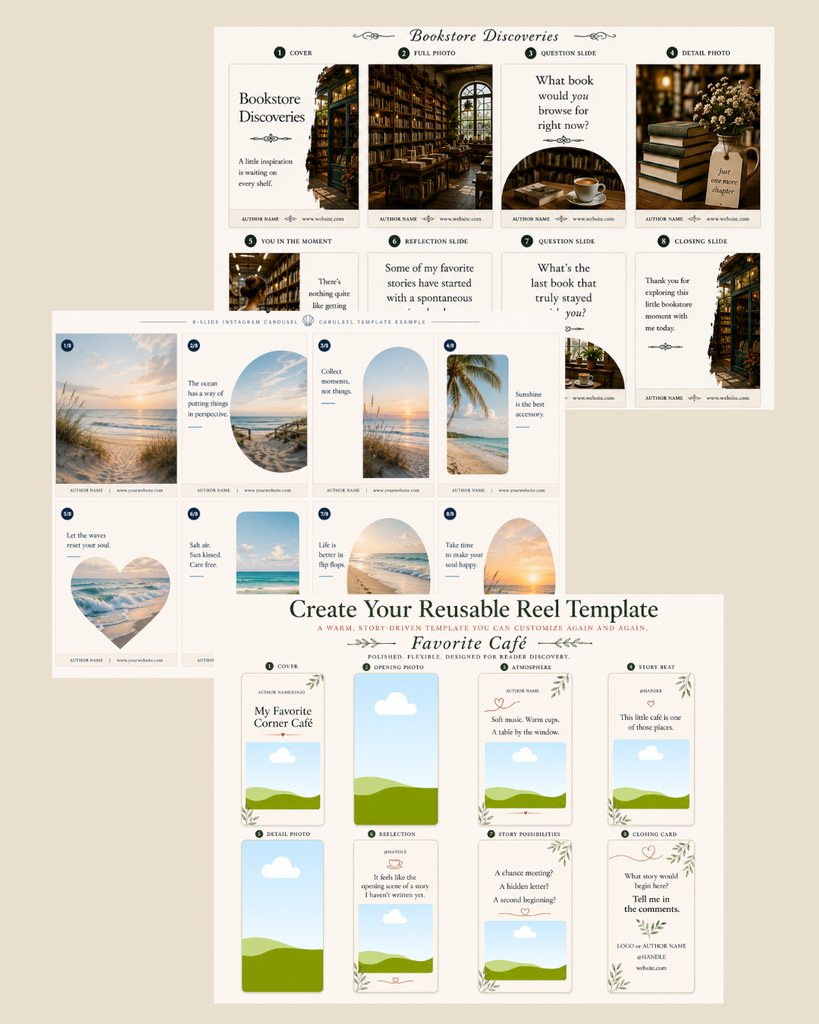
Knowing What to Share Is One Thing. Building the System Is Another.
You may already know what kind of world you want readers to step into.
You may have a camera roll full of places, pets, recipes, books, hobbies, research and everyday moments that fit your author brand.
But turning all of that raw material into consistent, reusable content still takes decisions.
Which photos belong together? What feeling are you trying to create? What should you say? What question might invite readers into the conversation? How do you make it all feel like your books, your genre and your brand?
Story Point doesn’t make those creative decisions for you. It gives you a framework for making them.
The Story Point Formula, including its four connection blueprints, helps you think through what you want each piece of content to do, while the reusable Canva frameworks give you the visual structure to build from.
So instead of starting with a blank Canva page and inventing the format every time, you can focus your energy on the part that should be yours:
the photos, stories, interests and experiences that help readers connect with you.
Build a System You Can Use Again and Again
Build on Your 4-Bucket Content System
The free guide shows you how to choose three connection-focused content buckets plus your books.
Story Point helps you put that method into practice with reusable structures you can adapt across your buckets, seasons and experiences.
Instead of deciding everything from scratch every time you sit down to post, you have a framework to begin with.
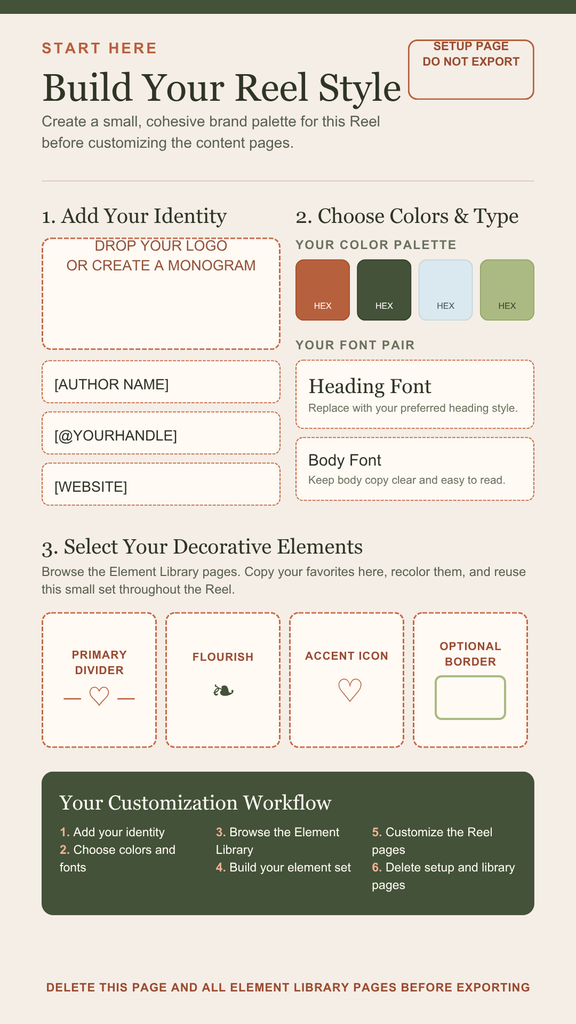
Customize the Frameworks to Your Brand
Adapt the colors, fonts, imagery and mood to fit your genre, books and author world.
Your content should feel like it belongs to you, not like you dropped your photos into someone else’s template.
Use the Story Point Formula to Create Connection
Turn ordinary photos, interests and experiences into content that invites readers in instead of simply broadcasting at them.
The Canva frameworks give you somewhere to put the content.
The Formula helps you think about what that content is doing.
Inside the Formula: 4 Reader-Connection Blueprints
Not every piece of content needs to create connection in the same way.
The Story Point Formula includes four approaches you can use depending on the experience you want to create:
Warmth
Help readers get to know the person behind the books.
Atmosphere
Bring readers into the mood, setting and sensory world surrounding your stories.
Shared Identity
Build connection around the interests, preferences and experiences you and your readers have in common.
Hospitality
Invite readers into the conversation and give them an easy way to participate.
The blueprints give you different ways to work with the same raw material so you’re not relying on inspiration alone to figure out how an experience can become something readers connect with.
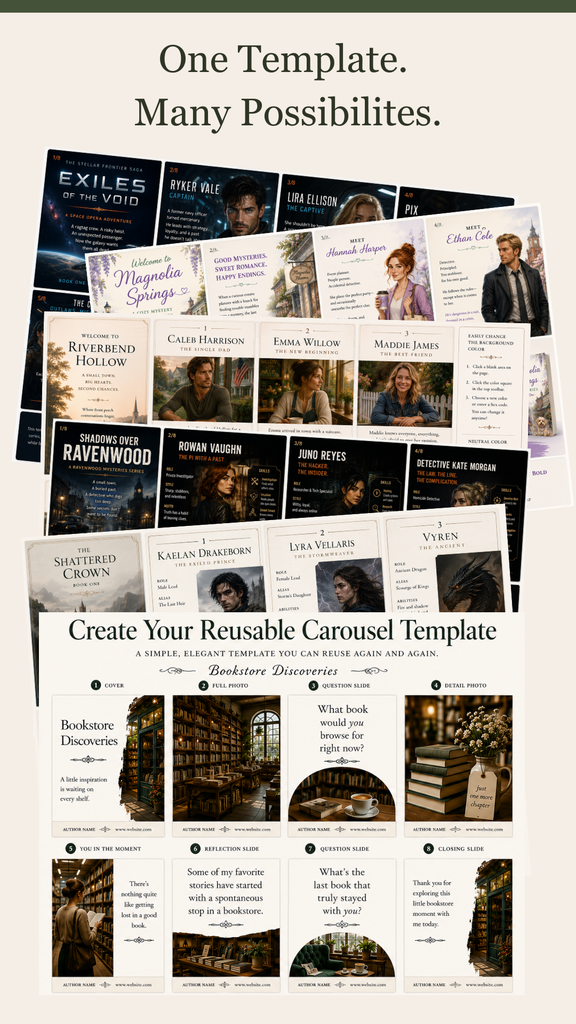
Create Reusable Carousels and Slideshow Reels
Start with ready-built frameworks you can adapt to different interests, experiences, seasons and stories instead of designing each piece from scratch.
One framework can become many completely different pieces of content because you supply the experience.
Give Each Reel the Right Opening for the Platform
Each Slideshow Reel framework includes platform-specific cover options for Instagram, Facebook, TikTok and Pinterest.
The underlying evergreen content can stay the same while the opening angle changes to fit where you’re sharing it.
Instagram might lead with the beautiful branded experience.
Facebook might lead with the story or invitation.
TikTok might lead with curiosity.
Pinterest might lead with the searchable idea.
One experience. Multiple ways to invite readers in.
Same evergreen asset. Different front door.
What You Get With the Complete Story Point System
The Story Point Evergreen Content System gives you the creative framework, connection strategy and ready-built designs to turn your interests, photos and experiences into content you can use again and again.
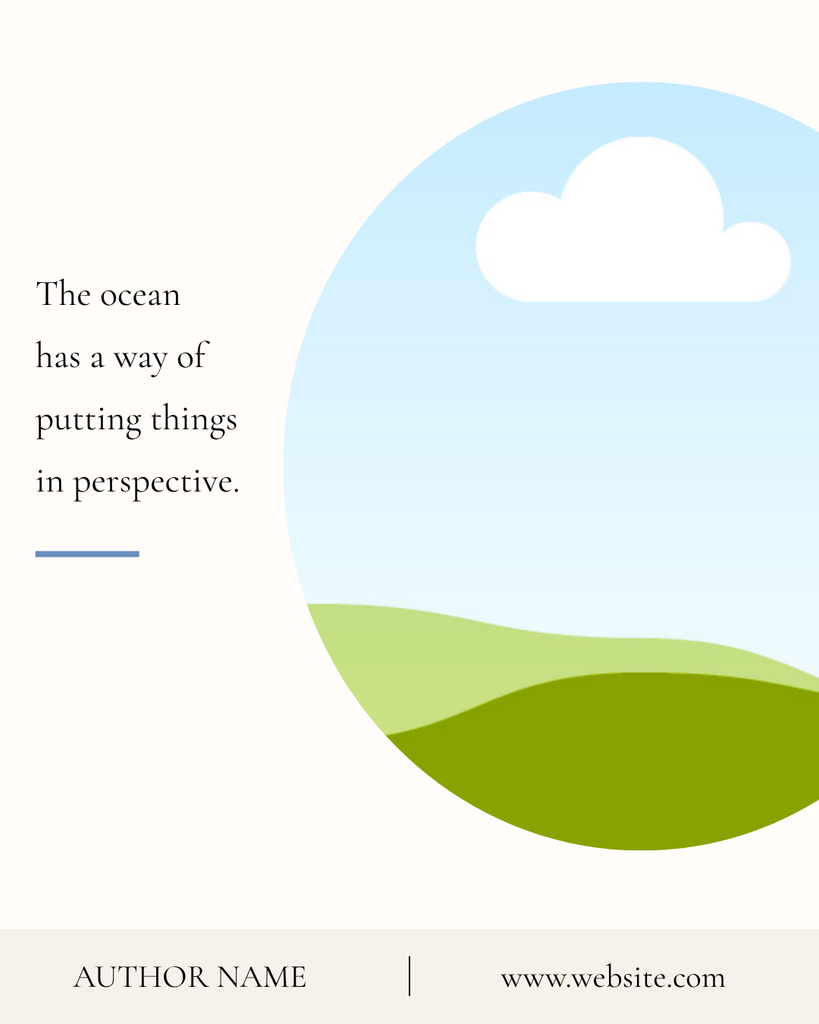
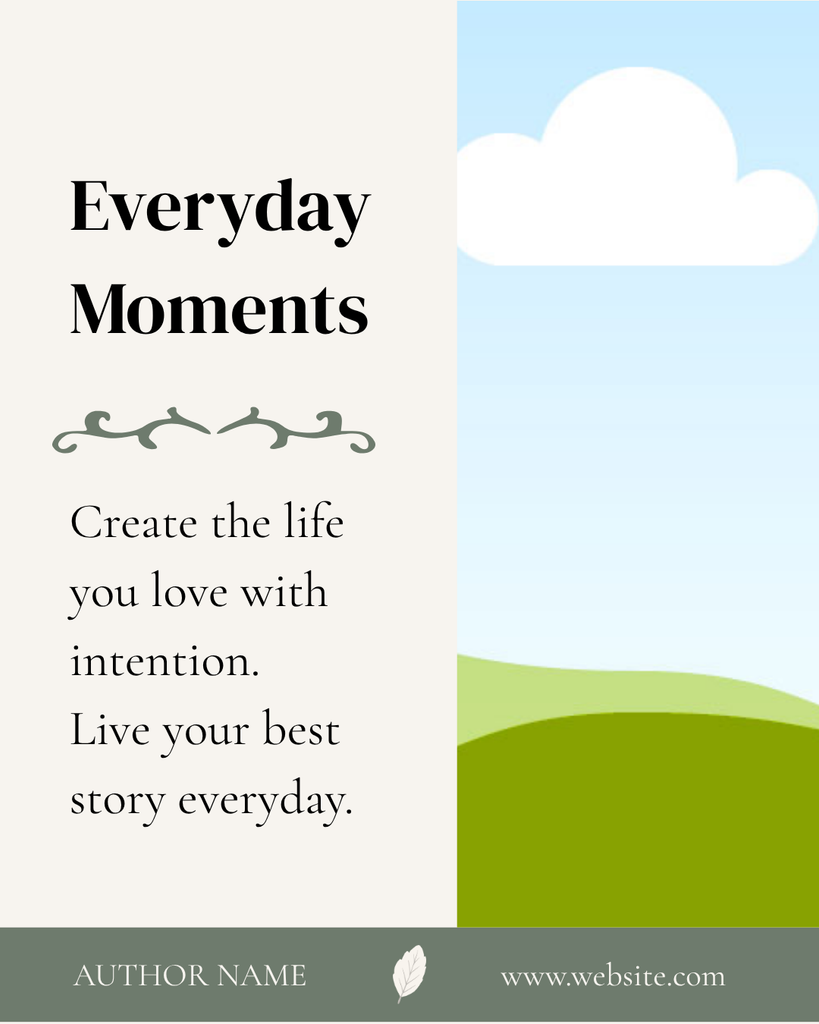
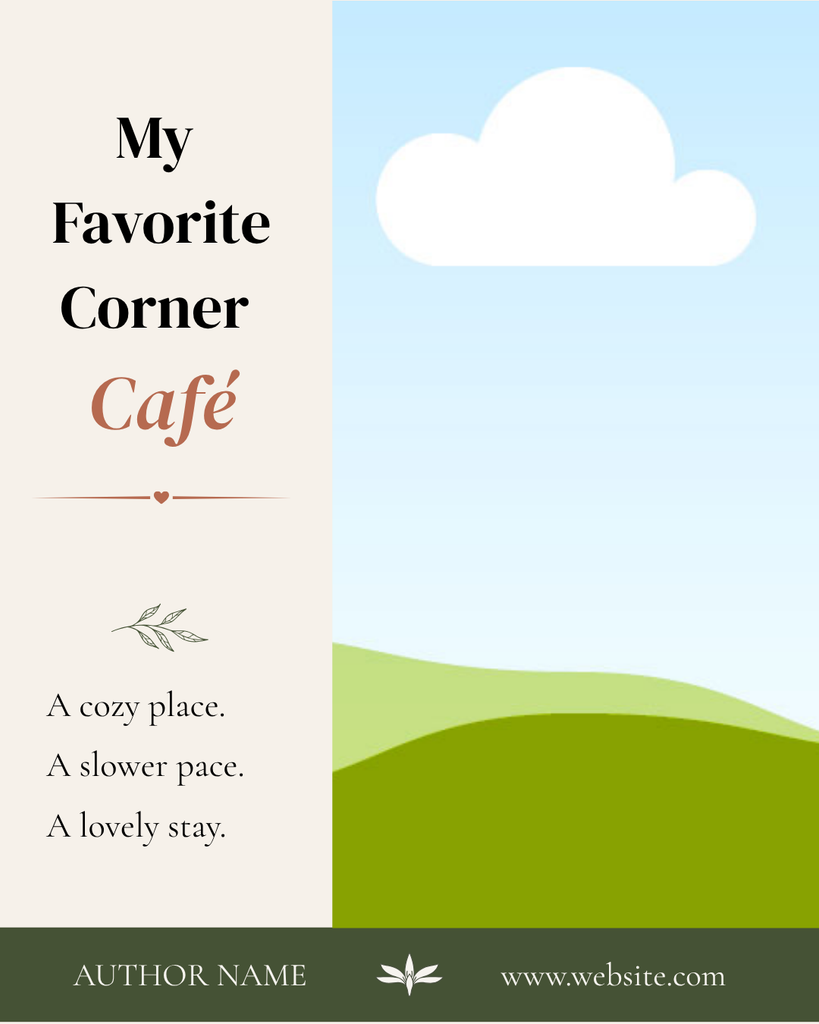
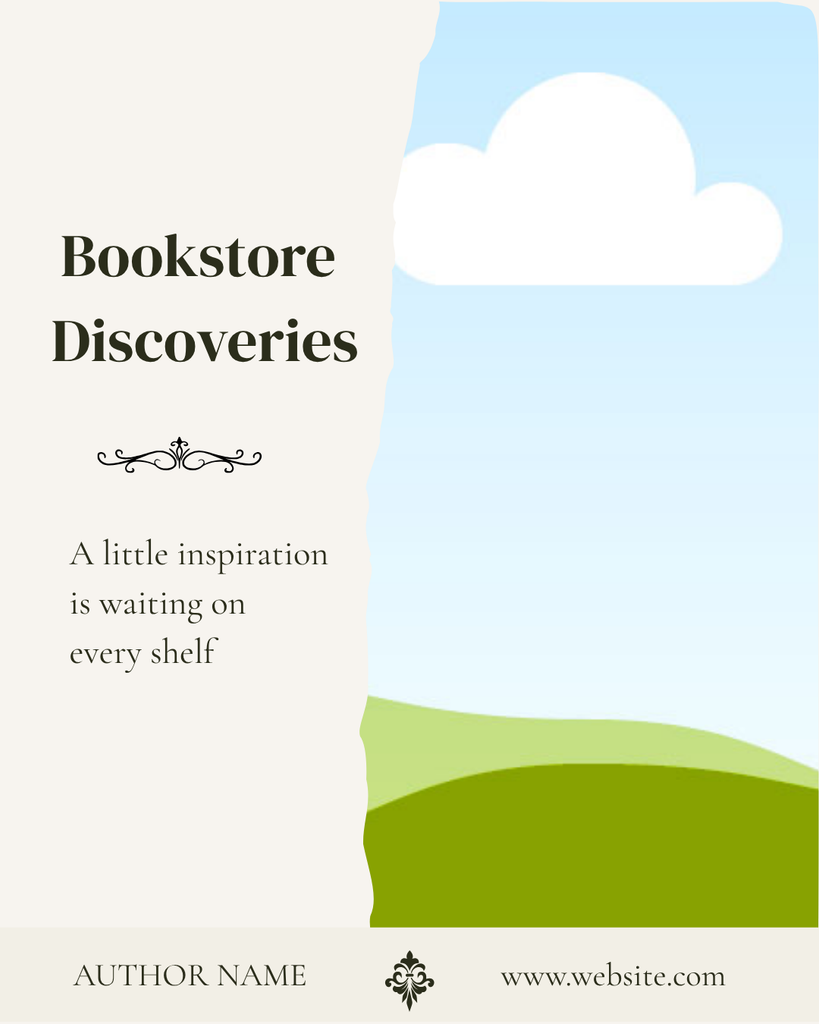
5 Reusable Story Carousel Frameworks
Start with thoughtfully designed carousel structures instead of a blank Canva page.
Customize the colors, fonts, imagery and mood to fit your genre, books and author brand, then reuse each framework across different content buckets, stories and seasons.
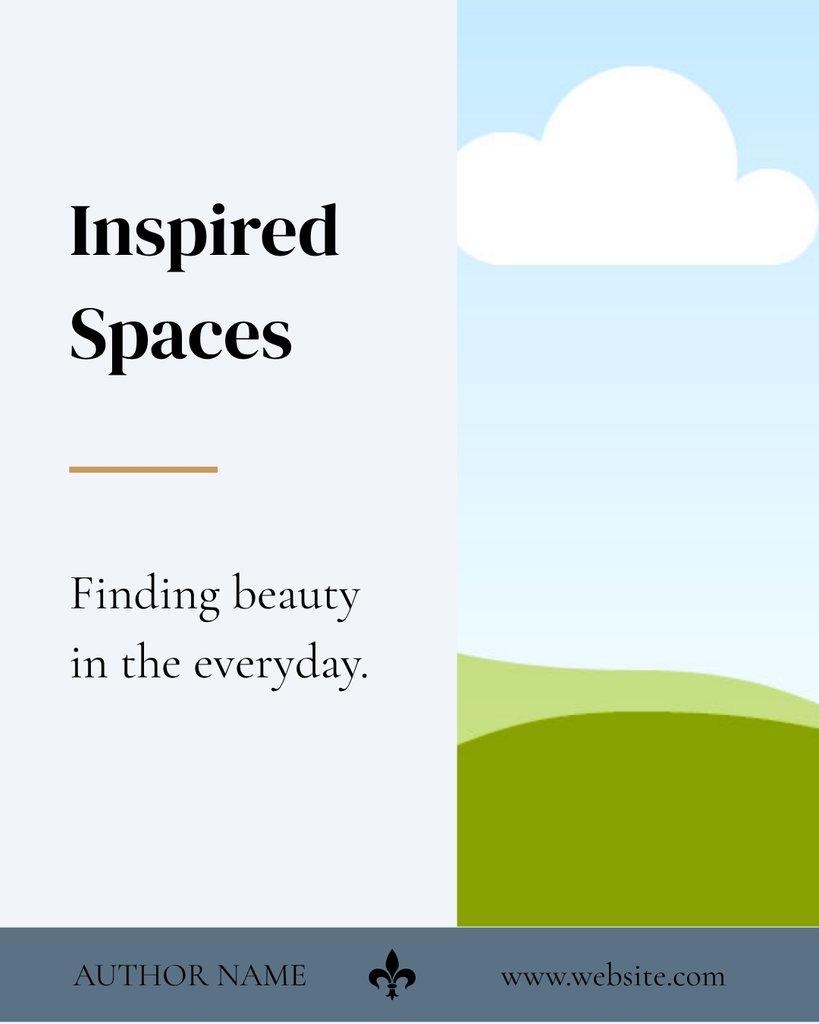
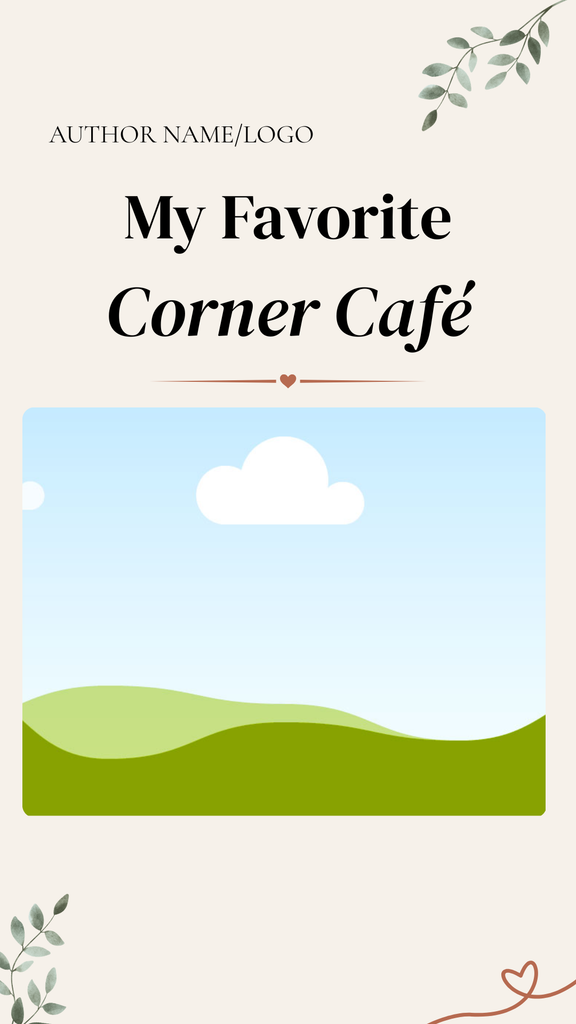
3 Reusable Slideshow Reel Frameworks
Turn the same kinds of photos and experiences into vertical slideshow content for Instagram, Facebook, TikTok and Pinterest.
Each Reel framework includes platform-specific cover options so you can adapt the opening without rebuilding the entire piece of content.
Evergreen content optimized for each platform.


The 35-Page Story Point Formula
The design frameworks give you the structure.
The Story Point Formula helps you decide what to put inside them.
Use it to move beyond simply sharing a nice photo and create content that gives readers a reason to pause, respond and feel part of your world.
Inside the Formula are the four reader-connection blueprints:
Warmth • Atmosphere • Shared Identity • Hospitality
Writing Prompts and Conversation Starters
Get practical guidance for turning an image or experience into something readers can respond to.
Use questions, prompts and reader invitations to create conversation without forcing every post back to a book sale.
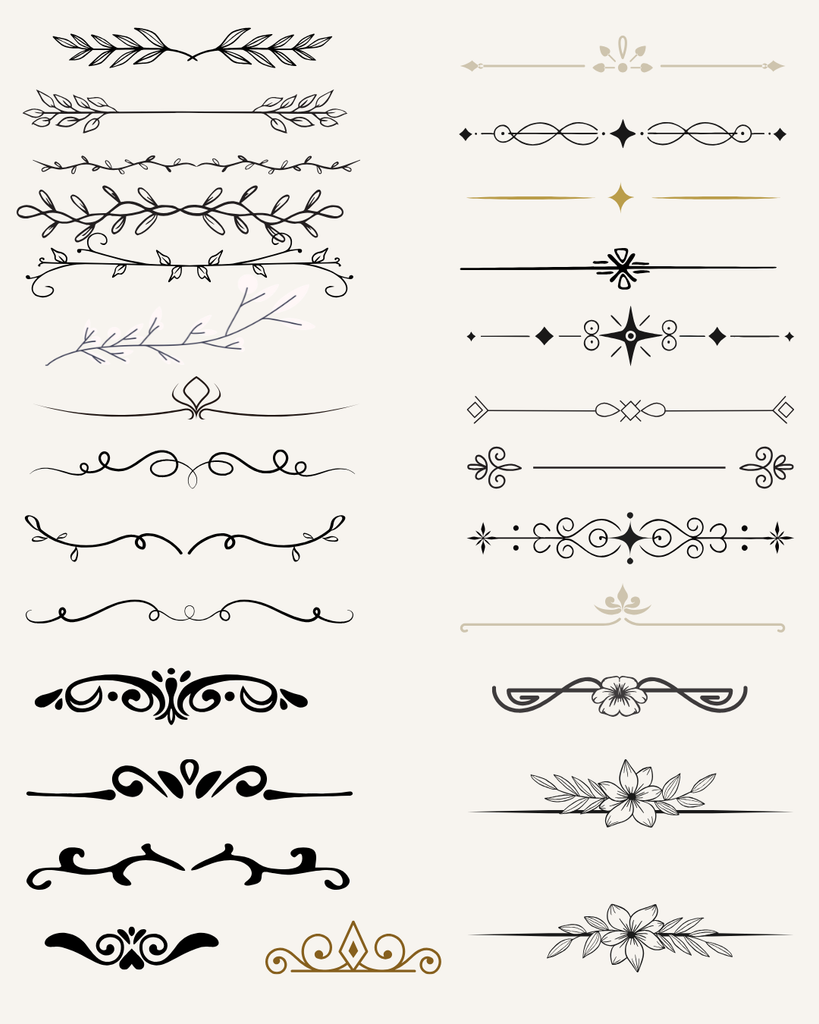
Canva Free Genre & Design Elements Library
Choose from six pages of Canva Free decorative elements, genre imagery, holiday themes, corners and accents to help make the frameworks feel like they belong to your books. Swap hearts for footprints, flowers for dragons or elegant flourishes for something darker, cleaner or more modern.

Genre Branding Guide: Font Pairings and Color Palette Directions
Not sure which fonts or colors actually fit your genre?
Use the Story Point Genre Branding Guide as a quick reference when customizing your frameworks.
You’ll get three font pairings and three color palette directions for each included genre, with options designed around different moods and reader experiences.
Genres Included
Fiction
Christian Fiction • Cozy Mystery • Fantasy • Historical Fiction • Horror • Literary Fiction • Mystery • Romance • Science Fiction • Thriller / Suspense • Women’s Fiction
Romance directions include:
Christian / Inspirational Romance • Contemporary / Rom-Com • Dark / Mafia Romance • Fantasy Romance / Romantasy • Historical Romance • Paranormal Romance • Romantic Suspense • Science Fiction Romance
Nonfiction
Business • Christian / Inspirational • Cookbooks / Food / Travel • Health & Wellness • History / Biography • Memoir • Self-Help / Personal Development
Choose the direction that feels most like your books, then use it consistently so your content begins to feel recognizable and connected to your author brand.
The guide is there to give you a starting point, not lock you into a formula.
Choose a direction. Make it yours. Use it consistently.
Canva Free-Compatible Designs
You do not need Canva Pro to use the Story Point system.
Every framework is designed to work with Canva Free so you can customize the templates to fit your genre, books and author brand without needing another subscription.
Canva Beginner Guidance
You don’t need to be a designer.
The system walks you through how to edit, customize and reuse the frameworks so you can get comfortable in Canva and make the designs your own.
Fiction and Nonfiction Applications
Connection marketing isn’t limited to one type of author.
The same principles can be adapted to fiction, nonfiction and different reader communities while keeping the content personal, relevant and evergreen.
You Don’t Need 100 More Templates. You Need a System You’ll Actually Use.
A big bundle of Canva templates can give you plenty of designs.
But it can still leave you asking:
What should I put in them?
Story Point starts somewhere different.
It helps you identify the interests, experiences and stories that naturally connect with your readers, then gives you reusable frameworks for turning those ideas into evergreen content.
And evergreen is what makes the library work.
Build Content With a Longer Life
Evergreen content isn’t tied to a launch, a sale or whatever happens to be trending this week.
It is built around experiences and interests you and your readers can enjoy again and again.
A Trip to the Farmer’s Market might be shared two or three times during the spring and summer.
Save it in your content library and the exact same post can come back next year.
Finding a Hidden Gem about a favorite restaurant or interesting location can return throughout the year.
My Favorite Bookstore might work several times during the year and come back again the next. Switch out the photos for a different mood or create a holiday-themed version.
And sometimes you don’t need to change a thing.
A strong evergreen post can be scheduled more than once, saved in your library and brought back whenever it makes sense.
When you do have something new to share, refresh the same idea with different photos, a new question, another visit or a seasonal angle.
Refresh it when you want to, not because you have to.
- Share the original post again
- Bring it back later in the season
- Save it for next year
- Swap in new photos and create another version
- Give it a seasonal angle
- Adapt it into a carousel or Slideshow Reel
- Change the opening to suit a different platform
Create it once. Use it more than once. Save it. Bring it back. Add to it when you have something new.
The goal isn’t to own more templates.
It’s to build a growing library of authentic reader-connection content that becomes more useful over time.
The Library Grows as the Relationship Grows
This isn’t a quick-win system where you create a pile of posts once and call it finished.
The connection starts with the very first piece of content you share.
Every bookstore visit, garden walk, favorite recipe, research rabbit hole or everyday experience gives readers another glimpse into your world.
And every time you create one of those posts, you’re also adding another reusable asset to your library.
Over time, you stop asking:
“What should I post today?”
And start asking:
“What experience do I want to give my readers today?”
Then you can curate that experience by choosing from a content library you’ve already built.
Instead of creating from scratch, you’re pulling from a growing collection of stories, interests and experiences that already reflect your world and give readers more ways to connect with you.
The relationship grows while the library grows.
And as that library gets deeper, staying connected becomes easier because you have more meaningful content to choose from, reuse and build on.
Is Story Point Right for You?
Story Point is for authors who want to grow by building relationships with readers, not by spending every week trying to outsmart the latest algorithm.
It may be a good fit if you:
- Are looking for ways to help readers know, like and trust the person behind the books
- Prefer sharing genuine interests and experiences instead of constantly promoting
- Want your social content to feel like an invitation into your world
- Like the idea of creating evergreen posts you can save, reuse and build on over time
- Want a framework to guide your decisions without taking away your own voice or creativity
- Would rather start with thoughtfully designed structures than build every carousel and Reel from a blank page
If ideas like 1,000 True Fans or the Artisan Author approach resonate with you, Story Point gives you one practical place to begin.
It helps you create a recognizable world around your books and gives the right readers more opportunities to know you, connect with you and want to stay.
It isn’t the only way to build that kind of author community.
It’s simply a roadmap for getting started with the content you share.
Story Point is probably not for you if you’re looking for viral-content hacks, daily trend prompts or a giant bundle of ready-to-post graphics.
This is a slower, steadier approach.
You build the connection as you build the library. And over time, both become stronger.
Ready to Start Building Your Reader-Connection Library?
You can take the Evergreen Marketing for Authors method and build your own system from scratch.
But if you’d rather start with the reusable frameworks, the Story Point Formula and the design guidance already in place, the Story Point Evergreen Content System gives you a clear path forward.
Use it to turn the photos, interests and experiences already in your world into reusable content that helps readers know you, connect with you and want to stay.
The Complete Story Point Evergreen Content System – $59
Build the connection. Build the library. Keep using both.
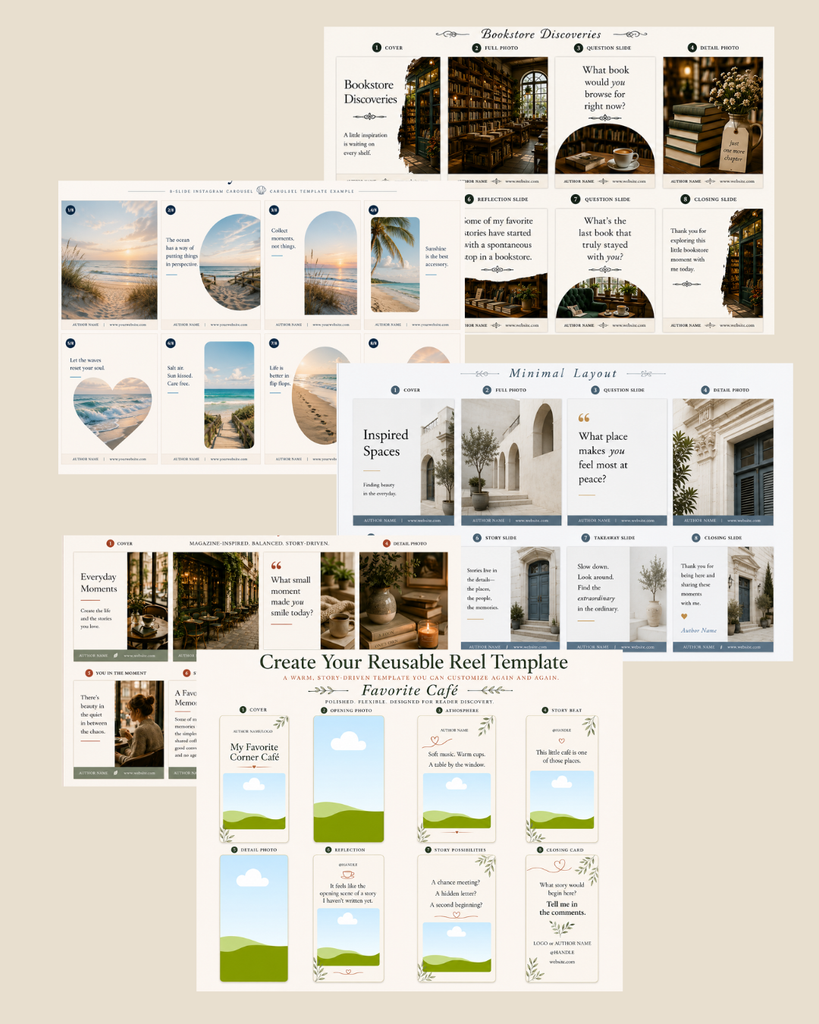
Image note: The Story Point frameworks include ready-to-use image frames, but no stock photos are included. Simply drop your own photos or images into the frames as you customize each design. Sample images shown in product previews are for demonstration only and are not included. See Genre Elements and Dividers Below.